Claude Task Master: The Complete Guide to Structuring Your AI Projects (Dev & Non-Dev)

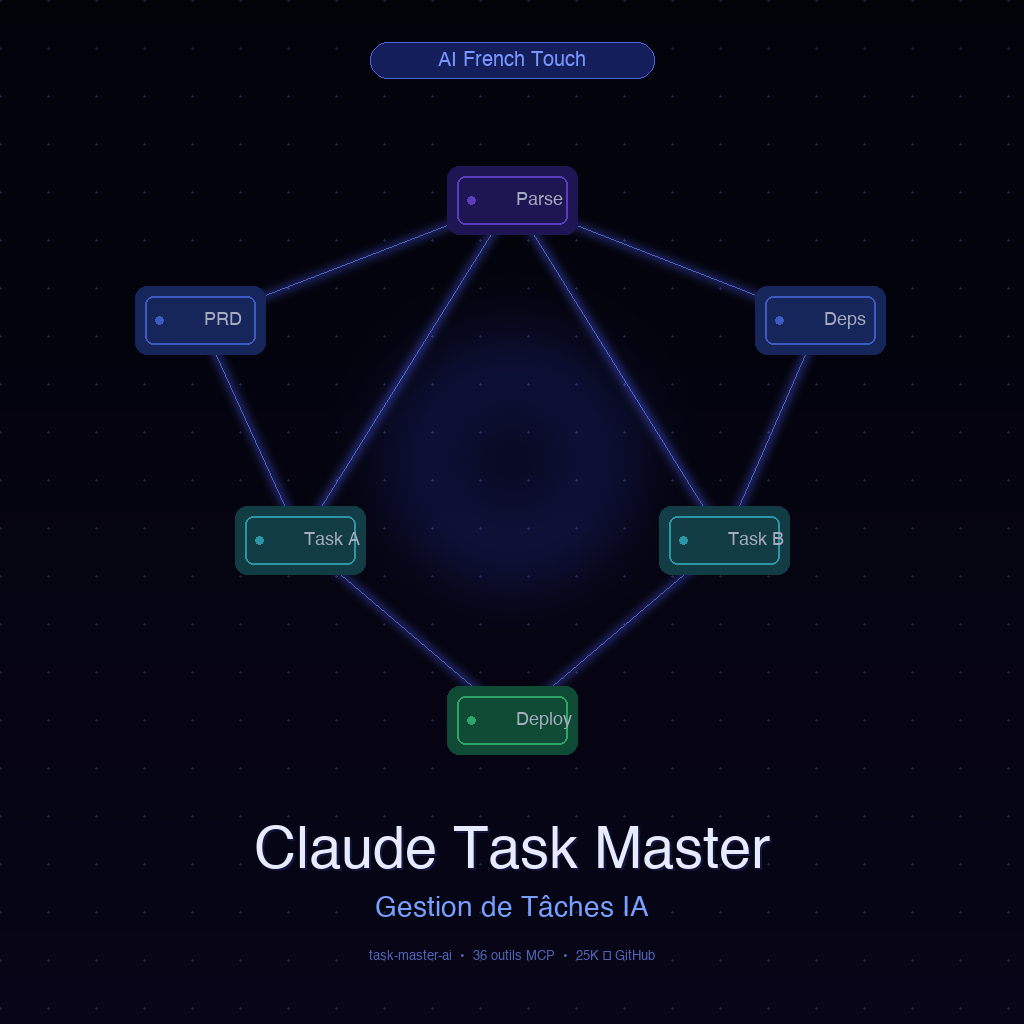
In March 2025, an open source tool quietly appeared on GitHub. In less than a year: 25,300 stars, 2,400 forks, 100,000 monthly downloads on npm, and 72 active contributors. Users report up to 90% fewer errors when using it with Cursor or Claude Code.
This tool is called Claude Task Master (npm package: task-master-ai). And it solves a problem nobody had really named: AI agents are brilliant, but without structure, they hallucinate, loop endlessly, and get lost in infinite tasks.
This guide is designed for two types of readers:
- Developers and AI consultants who want to understand the technical architecture and integrate it into their workflow
- SME managers and non-technical users who want to understand the strategic impact without diving into code
"SME Angle" callouts throughout the article ensure each audience finds what they need.
🧠 What is Claude Task Master, and Why Does It Change Everything in 2026?
The Problem It Solves
Imagine delegating a complex project to an ultra-competent assistant, but with a 5-minute memory. Every time you ask a new question, it has forgotten the previous context. That's exactly what happens with most AI agents today.
Claude Task Master is a task management middleware that gives AI agents persistent, structured memory. It transforms your specification documents (PRD, Product Requirements Document) into hierarchical task lists with dependencies and complexity scores, stored in a tasks.json file the agent can read and update at every interaction.
Created by Eyal Toledano, Ralph Krysler, and Jason Zhou, the tool rests on a clear philosophy articulated by Toledano himself:
"Task Master lets the AI agent read and write to a permanent context, giving the developer more control."
What Ian Nuttall Said on X (and Why It Generated 52,700 Views)
On January 15, 2026, Ian Nuttall posted a prediction on X: "Cursor will acquire Task Master." It exploded. Not because it's necessarily true, but because it crystallized what the entire dev community was feeling: Task Master fills a void that AI IDEs haven't natively addressed yet.
SME Angle: You don't need to understand what Cursor is to grasp the concept. Imagine an AI project manager who receives a brief, breaks it down into numbered tasks with clear dependencies, and ensures your agent team never starts step 3 before finishing step 1. That's Task Master.
⚙️ How It Works: The MCP Server and Its 36 Tools
The MCP Architecture (Model Context Protocol)
Task Master runs as an MCP server, a standardized protocol that exposes tools to your AI editor. Concretely, when you install Task Master, your editor (Cursor, Windsurf, VS Code, Claude Code CLI) gains access to 36 specialized tools it can call at any time.
These tools cover the full project lifecycle:
- Parsing and generating tasks from a PRD
- Navigating the task list (what's next?)
- Updating task status
- Analyzing dependencies
- Expanding complex tasks into subtasks
- Searching project context
The 4 Tool Loading Modes
One of Task Master's smartest features is its context window management. Loading 36 tools consumes tokens. The tool offers 4 modes:
| Mode | Tools | Tokens Consumed | Recommended Use |
|---|---|---|---|
all | 36 | ~21,000 | Full exploration, onboarding |
standard | 15 | ~10,000 | Daily work |
core / lean | 7 | ~5,000 | Long sessions, context saving |
custom | Variable | Variable | Teams with specific needs |
Switching from all to core reduces token consumption by 76%. On long projects with hundreds of interactions, that's a significant economic impact.
SME Angle: Think of "tokens" like an electricity bill. The more things your AI does simultaneously, the more it costs. Task Master lets you switch on only the "circuits" you need, a direct saving on your API costs.
📋 The Concrete Workflow: From PRD to Deployed Code
This is the heart of the tool. Here's the step-by-step workflow as it unfolds in practice.
Step 1, Write Your PRD
A PRD (Product Requirements Document) is simply a document describing what you want to build. It doesn't need to be perfect, Task Master is designed to work with imperfect specifications.
Save it to .taskmaster/docs/prd.txt.
Step 2, Parse the PRD
In your AI editor, simply ask:
"Parse my PRD and generate the task list"
Task Master calls its parsing tool, analyzes your PRD with the configured AI model, and generates a structured tasks.json with tasks, subtasks, dependencies, and complexity scores.
Step 3, Navigate and Execute
task-master next       # What's the next task?
task-master list       # All tasks and their status
task-master set-status --id=1 --status=done
task-master expand --id=2 --subtasks=5
The dependency system ensures that task 2 is never proposed before task 1 is validated, eliminating an entire class of errors where agents try to use code that doesn't exist yet.
SME Angle: This is the equivalent of a Gantt chart for your AI agent. You can't put up walls before the foundations are in place. Task Master ensures your AI respects this logic automatically, without you having to monitor it.
🤖 Autopilot TDD Mode (v0.30.0+): The Agent That Tests Itself
Version 0.30.0 introduced the community's most anticipated feature: tm autopilot. It's an autonomous execution mode based on Test-Driven Development (TDD).
The autopilot cycle follows 5 phases in a loop:
- Generate the test, the agent first writes the test defining what the code must do
- Implement, it codes the solution to pass that test
- Verify, it runs the test and analyzes the result
- Commit, if the test passes, it commits automatically with a structured message
- Loop, moves to the next task
This mode introduces 7 new MCP tools and 3 specialized agents: an Orchestrator, an Executor, and a Verifier.
SME Angle: Autopilot mode is like having a very conscientious intern who checks their own work before submitting it. It doesn't deliver "a solution", it delivers "a tested and validated solution." The difference in final quality is significant.
🔧 100+ Supported AI Models, Including Free Options
Task Master is model-agnostic, supporting Anthropic (Claude Opus 4.6, Sonnet 4.6), OpenAI (GPT-5, o3), Google (Gemini), Mistral, Groq, and more.
Truly Free Options
| Option | Model | Advantages | Limits |
|---|---|---|---|
| Claude Code CLI | Claude Sonnet 4.6 | Free, integrated | Hourly quota |
| Gemini CLI | Gemini Pro 2.5 | Free, fast | Less precise on code |
| Local Ollama | devstral, qwen3, llama3.3 | 100% local, $0 cost | Requires GPU |
Task Master also allows assigning different models by role, a premium model for complex tasks, an economical one for simple tasks.
💼 Concrete Use Cases: 4 Profiles, 4 Transformations
1. Solo Developer, Structuring a Side Project Without Getting Lost
Task Master turns chaotic coding sessions into structured builds. ImgxAI was delivered without writing a single line manually, purely through Task Master + Cursor orchestration.
2. Startup, Synchronizing a Distributed Team
A single shared tasks.json via git becomes the single source of truth. Each dev (or agent) sees exactly which tasks are available based on dependencies.
3. Agency, Delivering Client Projects with Reproducible Structure
Template PRDs per project type. Consistent quality regardless of which agent has the lead. Samelogic reports a "complete transformation" of their delivery process.
4. Non-Developer AI Consultant, Orchestrating Without Coding
Write the PRD in natural language, delegate tasks to Claude Code or Cursor agents, monitor progress via task-master list without understanding the code produced, and deliver structured projects to clients with full traceability.
📊 Competitor Comparison
| Tool | Type | Main Strength | Task Management | Best For |
|---|---|---|---|---|
| Task Master | MCP Server | PRD→tasks, dependencies, 36 tools | Native & complete | Structured projects |
| Cline | VS Code extension | Full AI agent with autonomy | No | Punctual tasks |
| Aider | Git CLI | AI pair programming on git | No | Experienced devs |
| Roo Code | VS Code extension | Local subtask decomposition | Partial | Complementary use |
| GitHub Copilot | IDE integrated | Fast code completion | No | Line-by-line assistance |
Popular pattern: Task Master for the global graph (project, stages, dependencies) + Roo Code for local decomposition (how to implement this specific task). Complementary, not competing.
🏢 What It Changes If You Don't Code
| Without Task Master | With Task Master |
|---|---|
| Agent decides task order | You define priority via the PRD |
| No visibility on progress | Clear dashboard via task-master list |
| Each session starts from empty context | Persistent context across all sessions |
| Hard to delegate to multiple agents | One shared tasks.json = single source of truth |
| Cascading errors (dependencies not respected) | Automatic dependency system |
Learning curve for basic use (PRD → tasks → tracking): 1 to 3 hours to be operational.
⚠️ Limitations and What You Need to Know
- MIT + Commons Clause license: free for personal and professional use; reselling the tool as a commercial service requires an agreement
- PRD quality = task quality: vague specs generate vague tasks
- 90 releases in a year: documentation can lag behind code; the Discord community (1,000+ members) is often more current
Not for you if: your project fits in a single task, you have a mature CI/CD pipeline already, or you want zero-configuration plug-and-play.
🚀 Getting Started in 5 Minutes
npm install -g task-master-ai
cd my-project && task-master init
echo "Project description..." > .taskmaster/docs/prd.txt
export ANTHROPIC_API_KEY=your-key
task-master parse-prd .taskmaster/docs/prd.txt
task-master next
For MCP integration in Cursor or Claude Code, add the server configuration to your mcp.json and interact directly in natural language: "What's the next task I should work on?"
🎯 Our Verdict
Claude Task Master is the most mature and comprehensive tool for structuring AI-agent-driven projects. The learning curve exists and the release cadence demands active monitoring, but it addresses a real need that no AI IDE has natively solved yet.
Recommended if: you build medium-to-large projects with AI agents, you coordinate multiple agents or developers on the same project, or you're an AI consultant wanting to deliver structured projects to clients.
AI without structure is power without direction. Task Master is the direction.
Working on AI projects for your business or clients and want to integrate this level of structure into your deliveries? fit your context.
Drive projects with Task Master discipline using an Externalized AI Direction
Injecting structure into your AI projects is the key to transforming raw ideas into polished deliverables without scope drift.
With our Externalized AI Direction, we integrate this methodology into your team:
- Structuring AI-augmented project management and automated task breakdown.
- Connecting ticketing tools (Jira, Linear, Trello) to autonomous execution agents.
- Coaching your project managers to coordinate deliverables with total predictability.
🎁 Access the 1000 Skills Hub
Download our free database of 1000 Skills to orchestrate Claude on your business processes and stay indispensable in the face of AI disruption.