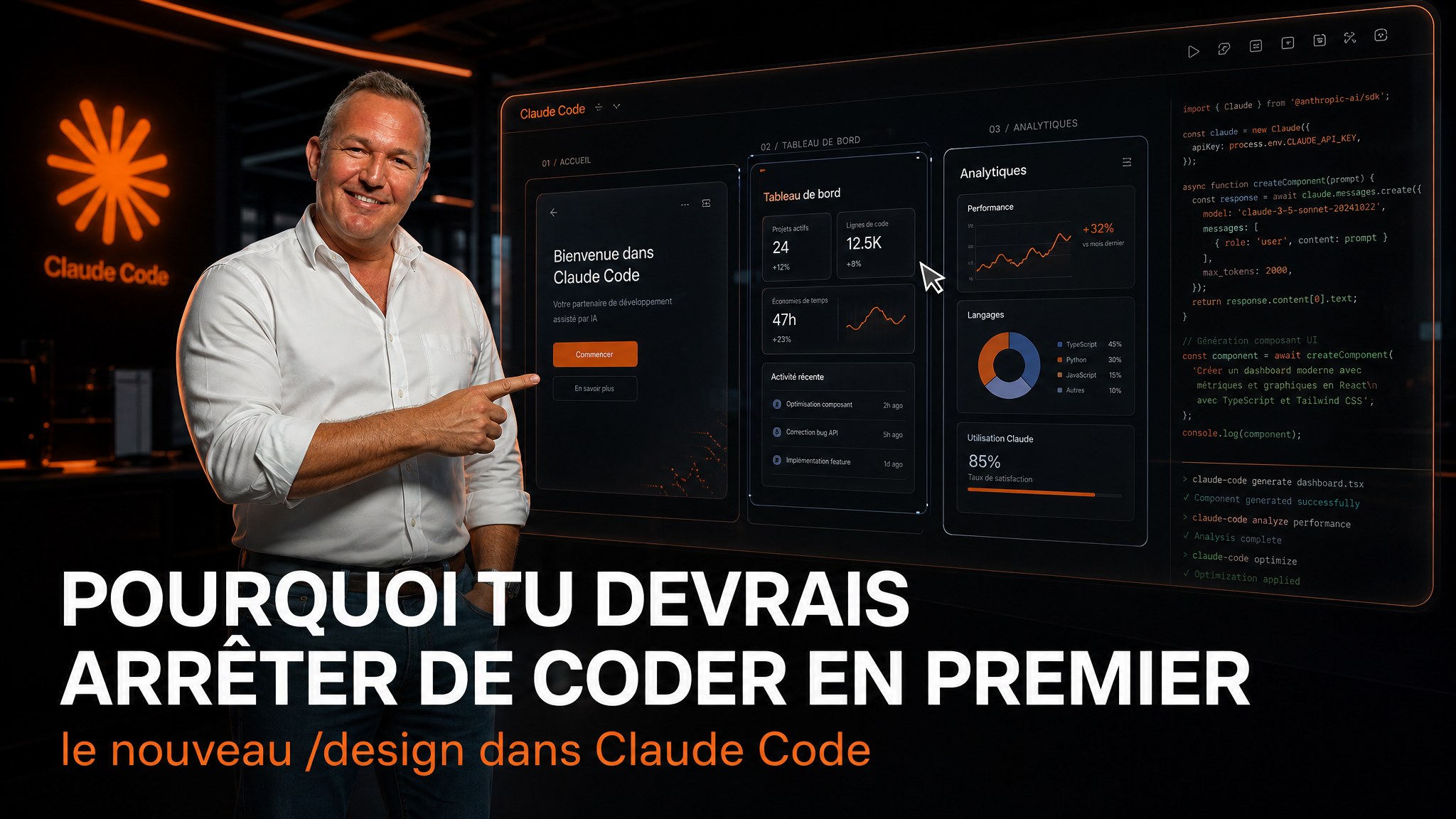
Why you should stop coding first: Claude Code's new /design command

You open Claude Code, type a prompt, and wait 5 minutes for the site to be ready. Result: a blue-and-black thing with emojis everywhere. You fix. You re-prompt. You fix again.
The problem isn't the model. It's that you skipped the design step.
On August 18, 2026, Anthropic shipped /design in Claude Code. It's not just a new command. It's a workflow change that will save you hours.
What /design does
Until now, when you wanted to create a page in Claude Code, you described what you wanted in text, and Claude wrote the code directly. No preview. No visual validation. You waited for the result and hoped.
With /design, it's different. You type /design a few options for {what you want}, and Claude generates 3 editable artboards. Not code. Visual mockups.
You pick the one you prefer. You edit it directly in the canvas (Figma-style). You approve. And only then, Claude generates the corresponding code in your stack.
It's like going from a restaurant where you describe your dish to the waiter to a restaurant where you see photo menus before ordering.
Why /design in Claude Code wins vs Claude Design
Here's the real point the video makes, and it's the most important one.
Claude Design (claude.ai/design) is a standalone tool. Every session starts from zero. It doesn't know who you are, what your business is, what your colors are, what stack you use.
Claude Code has your full project context. Your CLAUDE.md, your skills, your memory, your working directory.
The test that proves it
Same prompt in both tools: "make me a landing page for [my business]".
In Claude Code: a personalized landing page with the real name, real colors, real content. The numbers are correct. The design matches the brand.
In Claude Design: a generic blue-and-black template with incorrect details. The business name is wrong. The colors are random.
Why? Because Claude Code reads your CLAUDE.md, your skills, and your project files. Claude Design reads nothing. It's a blank page every time.
Concrete advantages
- Custom skills: you can invoke your own skills during a
/designsession (generate an AI video, scrape a site, etc.). Claude Design only supports Anthropic's default skills. - Direct deployment: you ask Claude Code to deploy to Vercel, it does it and gives you the live URL. Claude Design tells you to do it yourself.
- Multi-page: you can chain multiple
/designcommands in the same session. Claude Code remembers the previous context. - Custom stack: when moving from design to code, Claude Code asks which framework to use (React, Next.js, raw HTML, etc.).
The 4-step workflow
Step 1: Generate artboards
/design a few options for a settings page
Claude generates 3 visual options on a single canvas. Each option has a clickable link to open a preview.
Step 2: Pick and edit
You click the option you prefer. You edit it directly in the canvas: change a title, move a button, adjust colors. It's like Figma, but in your terminal.
Step 3: Approve the design
You save the artboard (button in the top right). This is a limitation of the current preview: you must save manually before moving to code.
Step 4: Generate the code
build the frontend for this page
Claude Code asks which stack you want. You choose. It generates the code, installs dependencies, starts the dev server, and navigates through the result itself to verify.
In Anthropic's example, the full process took 5 minutes for a functional React application with client-side navigation.
The limitations (honestly)
Token-hungry: /design consumes more tokens than a standard coding prompt. Generating 3 artboards on top of session context costs more. Not ideal for small tweaks.
No design system matching: if you have an existing component library, /design doesn't recognize it automatically. You need to specify it in the prompt. It's a research preview, not a finalized feature.
Manual save: artboards must be saved before moving to the code step. This will be automated in a future update.
Paid plans only: available on Pro, Max, Team, Enterprise. No free tier.
/design vs /design-sync
Don't confuse the two commands:
-
/design: create new mockups from scratch inside Claude Code. You describe what you want, Claude generates the artboards. -
/design-sync: synchronize between Claude Code and Claude Design. You can push a design from Claude Code to Claude Design for visual polish, or pull a design from Claude Design to Claude Code for implementation.
/design is for creating. /design-sync is for synchronizing.
The takeaway
The /design command in Claude Code changes the game. Before, you described in text and prayed the result would be correct. Now, you see 3 options, you pick, you edit, and you approve before a single line of code is written.
The difference with Claude Design? Context. Claude Code knows who you are, what your project is, what your preferences are. Claude Design starts from zero every session.
If you're already using Claude Code to develop, /design should be your first step for any new page or UI feature.
Integrate /design into your workflow with an Externalized AI Direction
The /design command is powerful, but integrating it into a team workflow is another exercise.
Through our Externalized AI Direction, we help you:
- Structure your CLAUDE.md and skills so
/designproduces consistent results from the first prompt. - Define a design system that Claude Code can reference automatically.
- Train your team to leverage
/designand/design-syncin their daily work.
Book a free 45-minute audit to discover how AI design can transform your development process.
Ready to structure your AI strategy?
Access a dedicated senior AI Director to automate your workflows and train your team.
Discover Direction IA Externalisée