AI Video Pipeline: The Ultimate Guide to Creating Magnetic Videos in 2026

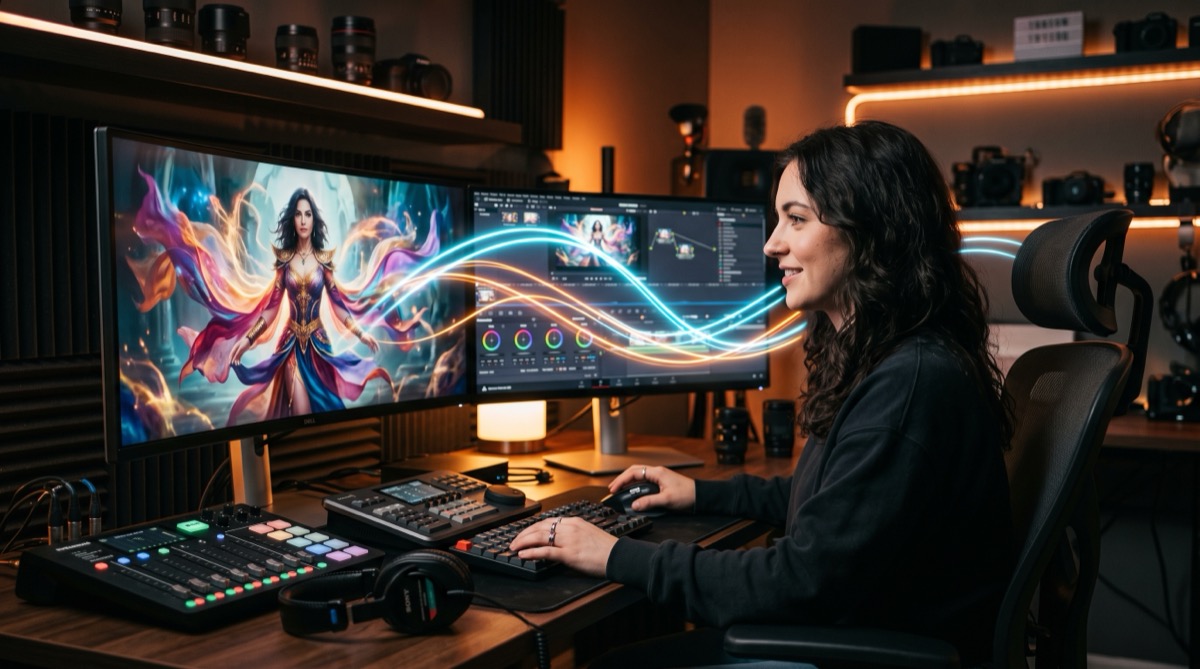
One entrepreneur generated over 2,000 AI videos per week with a pipeline like this. Not generic content. Not text-to-video that produces blurry, unsettling results. Using an approach 99% of content creators still ignore.
The secret? You don't generate a video from scratch. You take a real video, and you transform it.
Why text-to-video is a trap
Most people who test AI video start on the wrong foot. They open a generator, type a prompt, and expect Netflix-quality results.
They get a 5-second clip that looks like a fever dream generated by an algorithm short on inspiration.
The problem is fundamental. Generating a video from nothing, pixels in time, with coherence, lighting, movement, is an enormous intellectual task. Even a human with a camera takes time to create something coherent.
The solution? Work with a medium you've already recorded.
Video-to-video: the real game changer
The concept is simple. Instead of starting from scratch (text-to-video), you start with a real video you filmed, and use an AI model to slightly modify it with a prompt.
It's like retouching an existing photo rather than painting from scratch. The result is infinitely better because the pixels, lighting, composition, everything is already there. The AI just needs to insert an element into a world you've already created.
Models to know
| Model | Type | Approximate price | Strengths |
|---|---|---|---|
| Gemini Omni (Google) | Video-to-video | ~$0.50 per generation | Versatile, accessible via Google Flow |
| Kling | Video-to-video | Variable | Good quality, active community |
| Higgsfield | Multi-model aggregator | Variable (tokens) | Complete pipeline, MCP available |
The advantage of aggregators like Higgsfield? You access all state-of-the-art models in one place. You can chain models (model A then model B) and build a real production pipeline.
The structure of a prompt that works
Scoop: the prompt is where 90% of people fail. A vague prompt gives a vague result. You need two precise elements.
1. The trigger
This is the exact moment in the video where the change should happen. You can define it two ways:
- Temporal: "at exactly 2.9 seconds"
- Conditional: "when the man snaps his fingers"
The model needs to know WHEN to watch. Without a trigger, it improvises.
2. The change
This is what should happen right after the trigger. The more specific, the better.
Example of a prompt that works:
"Right after the man says this at exactly 2.9 seconds, change his outfit to a cool-looking hoodie with a chain."
Example of a prompt that doesn't work:
"Make the video look cooler with some effects."
The difference? The first tells the model exactly what to do and when. The second asks it to guess.

The complete workflow in 5 steps
1. Shoot the source footage
A 10-second video is enough. Most models don't support beyond that. The principle: film a natural action with a trigger moment (hand clap, snap, specific word).
The idea is to create a natural "before" that you'll transform into a magical "after."
2. Write the trigger prompt
Use the trigger + change structure. Be ultra-specific about the timing or condition.
3. Generate in parallel
Here's the number nobody tells you: success rate is about 20%. That means for a good result, you need to launch 5 simultaneous generations and pick the best.
Why? AI models have a randomness component. The same prompt can produce very different results. Instead of running one attempt, waiting, being disappointed, and starting over, you launch everything at once and select.
4. Post-produce to hide the 720p seam
This is the hack few people master. AI videos output at 720p. If you cut directly from your AI clip to full HD video, the viewer will immediately see the quality difference.
The solution? Hide the seam with a smart cut. Transition from your AI clip to a screen share, a different shot, a graphic, anything other than the same shot in better quality.
Nobody will notice the resolution drop if you change scenes at the right moment.
5. Iterate
The first attempt will never be perfect. The AI will hallucinate (changing the outfit too early, adding unwanted elements, distorting the face). That's normal. The art is in the selection.

The real cost (not the one they sell you)
Let's be honest about pricing. A Gemini Omni pass costs about 15 tokens. On Higgsfield, that translates to between $0.50 and $1 per generation. If you run 5 attempts per effect, that's $2.50 to $5 per functional sequence.
For a 10-second clip with a stunning effect, that's ridiculous compared to traditional video production. But it's not free, and it's important to know that before diving in.
How to reduce costs
- Shorter video: a 5-second video consumes fewer tokens than a 10-second one
- Compact aspect ratio: 9:16 consumes less than 16:9
- Cheaper models: test multiple models to find the best quality-to-price ratio
- Batch of 5 minimum: better 5 attempts at $0.50 than one attempt at $0.50 that fails
Use cases that are crushing it right now
Advertising hooks
Changing outfit with a finger snap. Transitioning from a calm office to a futuristic environment. Creating a "wow factor" in the first 3 seconds of an ad.
This is where ROI is fastest. A hook that retains attention reduces CPC and improves retention.
Organic LinkedIn/YouTube content
Magical transitions between sections. Visual effects that break the monotony of talking head content. Content that stands out in a saturated feed.
Low-budget video production
Replacing effects that would cost thousands in traditional post-production. Lighting, set changes, special effects, all accessible for a few dollars.
The mistakes that ruin everything
Generating only once, With a 20% success rate, running a single attempt is playing the lottery. Always run at least 5.
Vague prompt, "Make it look cool" doesn't work. The model needs a precise trigger and a precise change.
Cutting directly to talking head, If you switch from 720p AI clip to the same shot in 1080p, everyone will see the seam. Change the scene.
Neglecting post-production, The pipeline doesn't stop at generation. Editing, sound, transitions, that's what separates "not bad" from professional.
Waiting for perfection on the first try, AI video hallucinates. It's normal. The art is in the selection, not in the first attempt.

Automation: going further
For those who want to industrialize the process, Higgsfield offers an MCP (Model Context Protocol) with 8 API connectors. This lets you build an automated pipeline with Claude Code or Codex.
Concretely, you can say: "I have this video, edit it 10 times with variations, and I'll pick the best one." The AI does the work in parallel.
It's the same principle as intelligent routing for text models, but applied to video. The future isn't creating one perfect video. It's generating 50 variations and selecting the 3 that convert.
The takeaway
Video-to-video is the real revolution in AI video in 2026. Not text-to-video that produces incoherent results.
The formula is simple: real footage + precise trigger prompt + parallel generation + smart post-production.
And above all, nobody is doing this at scale yet. It's an enormous competitive advantage for those who get started now.
The cost is negligible. The learning curve is fast. And the gap between "a basic video" and "a video that stops the scroll" has never been easier to bridge.
Create automated video pipelines with an Externalized AI Direction
AI video is a massive visibility lever, but scaling production requires a well-oiled technical pipeline.
Through our Externalized AI Direction, we structure your video production:
- Deploying automated workflows combining visual generation, voiceovers, and editing.
- Automatically repurposing existing assets into short-form social videos.
- Training your marketing team to direct video creation without massive budgets.
Ready to structure your AI strategy?
Access a dedicated senior AI Director to automate your workflows and train your team.
Discover Direction IA Externalisée